
Full Course: Fusion Basics
Lesson 2 of 9 Concept Design in Fusion
Ivan’s entire beginner-friendly Fusion Basics course is included for free, for purchasers of Concept Design in Fusion. It’s included as the second lesson, so students can learn the fundamentals before beginning their projects.
Basic Object Design Challenge Homework
Create your first model in Fusion, using the techniques Ivan has shown during the lesson. Like with Ivan’s creation, you shouldn’t worry about making something representational quite yet - later in the course there will be plenty of chances to model containers and other practical designs. For now, focus on experimenting with the tools and functionality. And have fun with the software!
Constraints Challenge Homework
Create an object in Fusion using the techniques for constraints you learned during this lesson. You can follow along with what Ivan made or create something of your own, but either way we recommend branching out and experimenting!
Parametric Design Challenge Homework
Create an object in Fusion using parameters as much as possible. The mathematical and coding aspects of parameters can be intimidating at first, but as Ivan has shown, this can be a very powerful technique once you’ve gotten used to it. You can follow along with what Ivan made or create something of your own, but either way we recommend branching out and experimenting!
Essentials of Design Homework
Using the design principles and sketching techniques Ivan taught in this lesson, design an original container inspired by a basic shape. For extra credit, try creating a second container based on a different shape!
Joints Challenge Homework
Set up three different types of joints. As with Ivan’s demonstrations, these joints don’t have to be part of larger designs. They can simply be abstract shapes fitting together. There will be a chance to rig a full model later in the course. For now, take your time and experiment with the different possibilities. For extra credit, try rigging one of each type of joint Ivan showed during the lesson.
Initial Modeling Homework
Begin the initial blockout for a container design. This shouldn’t be overly detailed yet, but should establish the main shapes.
Detail and Rigging Homework
Add any details needed to further your design, and rig the model to open and close. You don’t need to copy the mechanism Ivan created, try experimenting with the different types of rigging covered in the previous lesson!
Finishing Touches Homework
Bring your design to the finish line by making any changes or additions you think are necessary. Finally, render out basic shots of your design for presentation. Congratulations on finishing the Fusion Basics course!
Student Homework
- Free PreviewWatch Free Preview
Lesson 1
Design Fundamentals
In this lesson Ivan will take you through the core essentials of design, breaks down his personal ideation process and shows how his ideas translate into real results in 3D.
- 1h 47mTotal Lesson Duration
- 27 VideosVideo Lectures in this Lesson
- Project FilesDownloadable Project Files
Introduction
Basics of Design
Ideation
Ivan's Project
Course Project Preview
Conclusion
Lesson 2
this lessonFull Course: Fusion Basics
Ivan’s entire beginner-friendly Fusion Basics course is included for free, for purchasers of Concept Design in Fusion. It’s included as the second lesson, so students can learn the fundamentals before beginning their projects.
- 6h 12mTotal Lesson Duration
- 97 VideosVideo Lectures in this Lesson
- Project FilesDownloadable Project Files
Lesson 1: Absolute Basics - Introduction
Further Resources
UI and Navigation
Primitive Object Creation
Basic Object Design Challenge
Lesson 2: Constraints - Introduction
Design Types
Useful Functions
Setting Constraints
Constraints Challenge
Lesson 3: Parametric Modeling - Introduction
Using Parameters
Parametric Design Challenge
Lesson 4: Precision Sketching - Introduction
Advanced Sketch Options
Precision Operations
Essentials of Design
Lesson 5: Joints and Rigging - Introduction
Intro to Joints
Types of Joints
Joints Challenge
Lesson 6: Full Object Design - Introduction
Initial Modeling
Small Detail Ideas
Opening Mechanism
Crate Finishing Touches
Rendering
Conclusion
Lesson 3
Initial Modeling
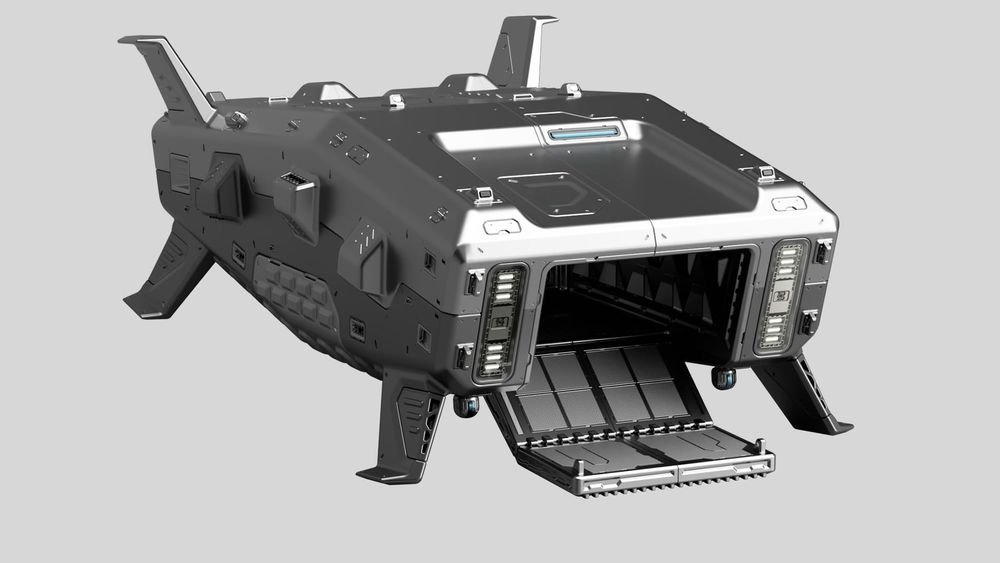
In this lesson you’ll begin blocking out your hero asset, adding in the largest and most important shapes to give it personality.
- 1h 38mTotal Lesson Duration
- 15 VideosVideo Lectures in this Lesson
Introduction
Blockout
Adding Personality
Reflectors
Fins
Conclusion
Lesson 4
Large Scale Pieces
Now you will add in any remaining large elements needed for your design, detailing as you go.
- 1h 54mTotal Lesson Duration
- 18 VideosVideo Lectures in this Lesson
Introduction
Engines
Side Thrusters
Hangar Area
Conclusion
Lesson 5
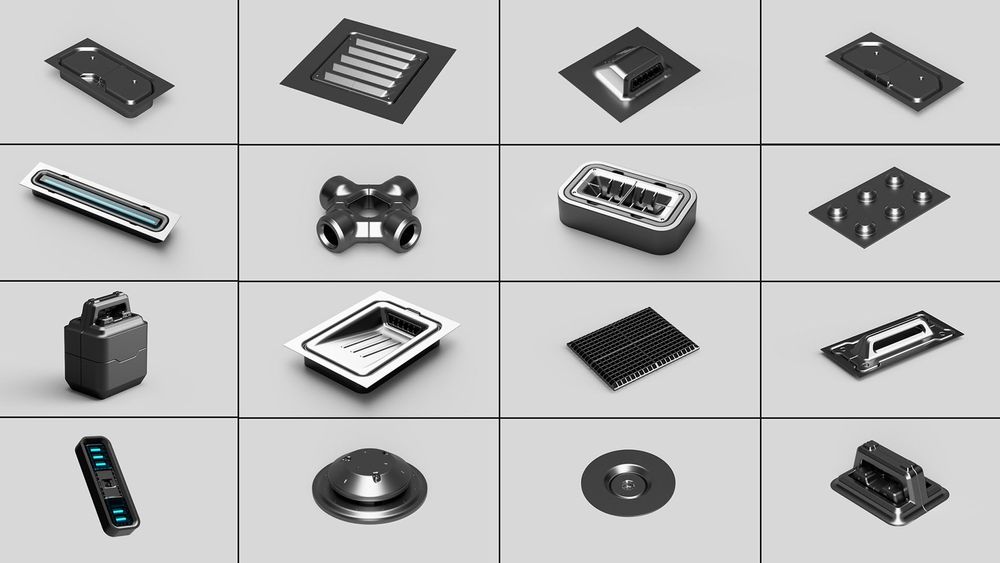
Building an Asset Library
In this lesson you will build a library of kitbash assets, which will be added to your main hero asset later in the assembly stage.
- 3h 9mTotal Lesson Duration
- 24 VideosVideo Lectures in this Lesson
- Project FilesDownloadable Project Files
Introduction
Bolts and Screws
Stamp Insets
Windows
Vents
Procedural Grill
Handles
Light Reflectors
Radar Dish
Conclusion
Lesson 6
Assembly
Now it’s time to take all the assets created in the previous lesson and apply them to your main hero asset, layering in detail as you go.
- 3 hoursTotal Lesson Duration
- 20 VideosVideo Lectures in this Lesson
- Project FilesDownloadable Project Files
Introduction
Initial Organization
Initial Assembly
Adding Detail
Panels
Mid-Assembly Cleanup
Assembly Final Touches
Rigging
Conclusion
Lesson 7
Prepping Assets
In this lesson you will bring your exported hero asset into Blender, or whatever software you prefer. You will conform each piece as it comes in, and set up basic materials.
- 2h 3mTotal Lesson Duration
- 14 VideosVideo Lectures in this Lesson
Introduction
Initial Blender Setup
Bringing in the Hero Asset
Basic Materials
Supporting Props
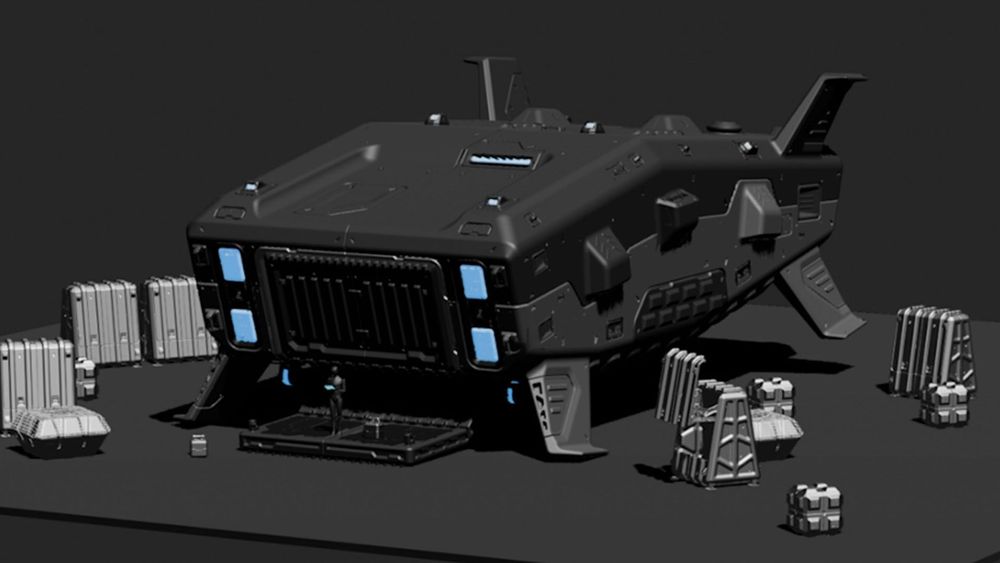
Basic Scene Setup
Conclusion
Lesson 8
Materials
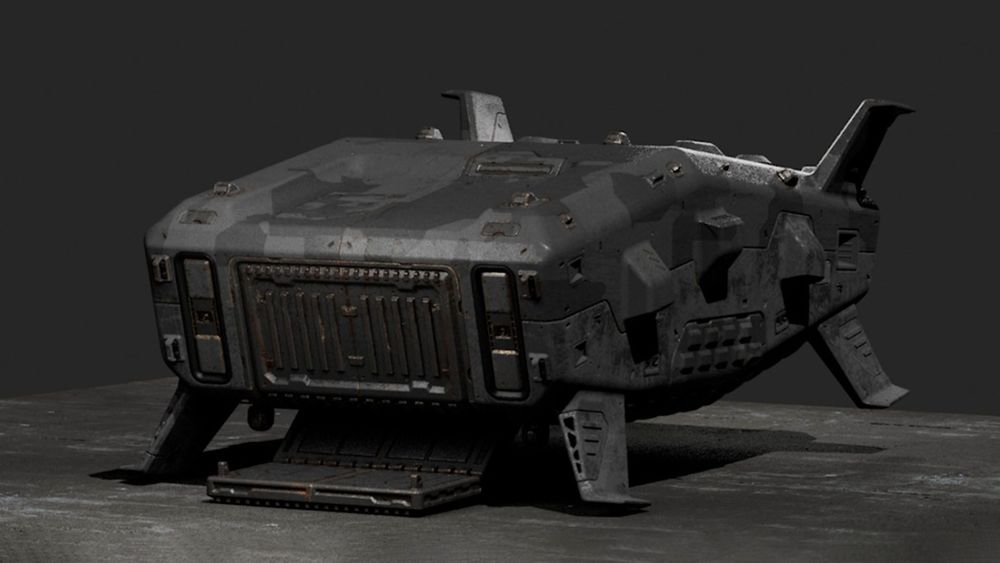
Now you will focus on dialing in materials for your hero asset, supporting props and any other elements of the scene.
- 4h 41mTotal Lesson Duration
- 27 VideosVideo Lectures in this Lesson
- Project FilesDownloadable Project Files
Introduction
Initial Materials Pass
Tweaking Materials
Additional Pieces
Custom Decal Creation
Applying Decals
Conclusion
Lesson 9
Effects and Rendering
Now it’s time to bring everything together. You will add in final effects into the scene, making any last-minute changes necessary. Finally, you will render out finished shots showcasing your design.
- 3h 31mTotal Lesson Duration
- 24 VideosVideo Lectures in this Lesson
- Project FilesDownloadable Project Files
Introduction
Modeling Set Dressing Elements
Lighting Effects
Final Preparations
Preparing More Shots
Photoshop Tweaks
Conclusion
0 Comments
There are no comments
New comments from the community will be visible here.