
Presentation
Lesson 5 of 5 Mech Design
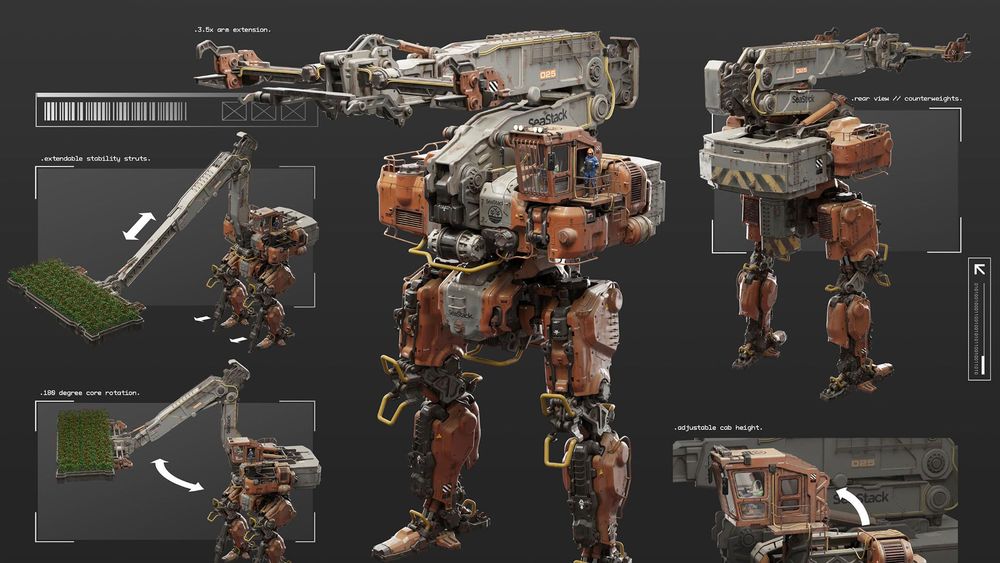
In this lesson you’ll do your final paintovers, arranging your images into attractive presentations which show off all your mech’s functionality.
Hero Mech Views Homework
Bring your mech’s front and back renders into Photoshop. Then create your paintovers, adding in new details or changing elements where necessary. Take your time and work from big to small, to avoid getting stuck in details too early.
Presentation Homework
Render out orthographic views of your mech and lay them out on a clean sheet to show your mech from every side. Then create another sheet which shows the front and back views, along with breakouts or action shots of any other functionality. Take your time and have fun with this last assignment!
Student Homework
- Free PreviewWatch Free Preview
Lesson 1
Rough Sketches
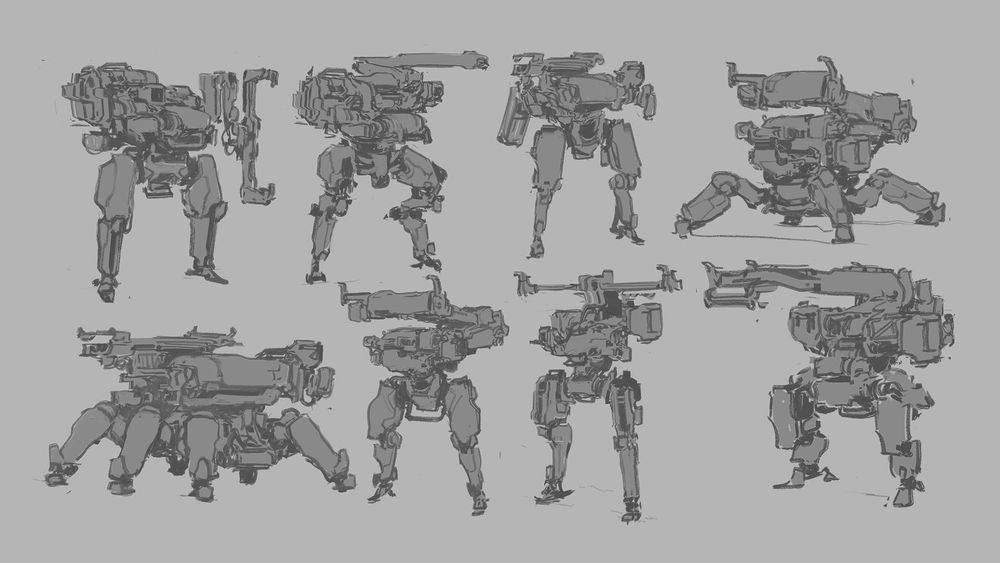
In this lesson Gavin will help you to come up with a mech design that looks cool while still feeling like it could exist. Then you’ll create multiple rounds of rough sketches to brainstorm the design.
- 4h 3mTotal Lesson Duration
- 32 VideosVideo Lectures in this Lesson
- Project FilesDownloadable Project Files
Introduction
Breaking Into the Industry
Mech Theory
Brief Building
Sketching Tips
Rough Sketching
- Rough Silhouette SketchesPreview18:58
- Assembling FavoritesPreview06:53
- Rough Silhouette Sketches HomeworkPreview00:48
- Basic Line ArtPreview14:22
- New Batch of Line Art SketchesPreview08:59
- Combining DesignsPreview17:54
- Quick Shape RefinementsPreview03:30
- Changing a Tricky DesignPreview01:23
- Rough Line Art HomeworkPreview00:36
Lesson 2
Refined Line Art
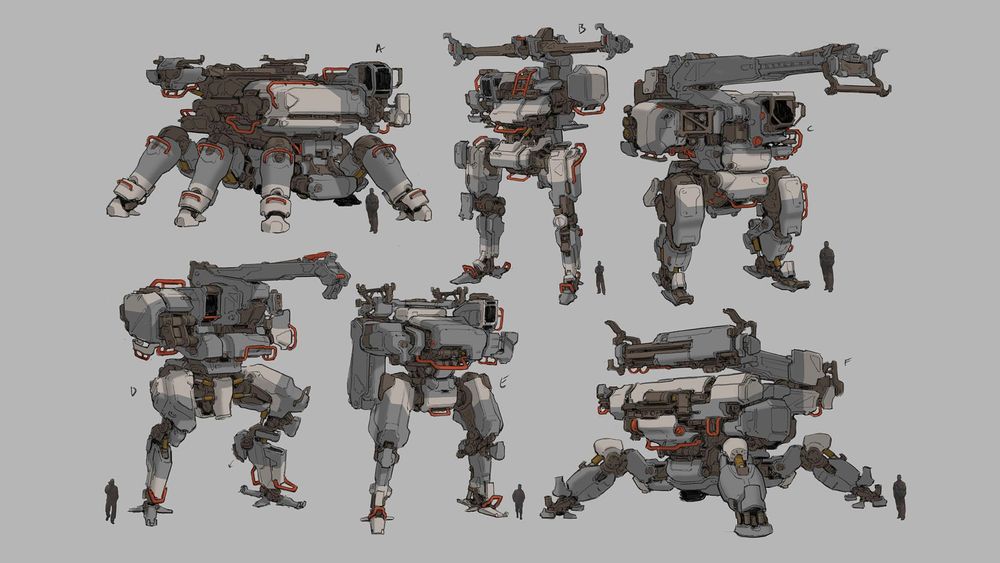
Now it’s time to refine your rough sketches into a page of clean line art drawings, showing breakouts of detailed body parts where needed.
- 1h 37mTotal Lesson Duration
- 17 VideosVideo Lectures in this Lesson
- Project FilesDownloadable Project Files
Introduction
Preparing to Refine
Thoughts on Refining
Refining Techniques
Creating the Sketches
Sketch Presentation
Lesson 3
3D Modeling
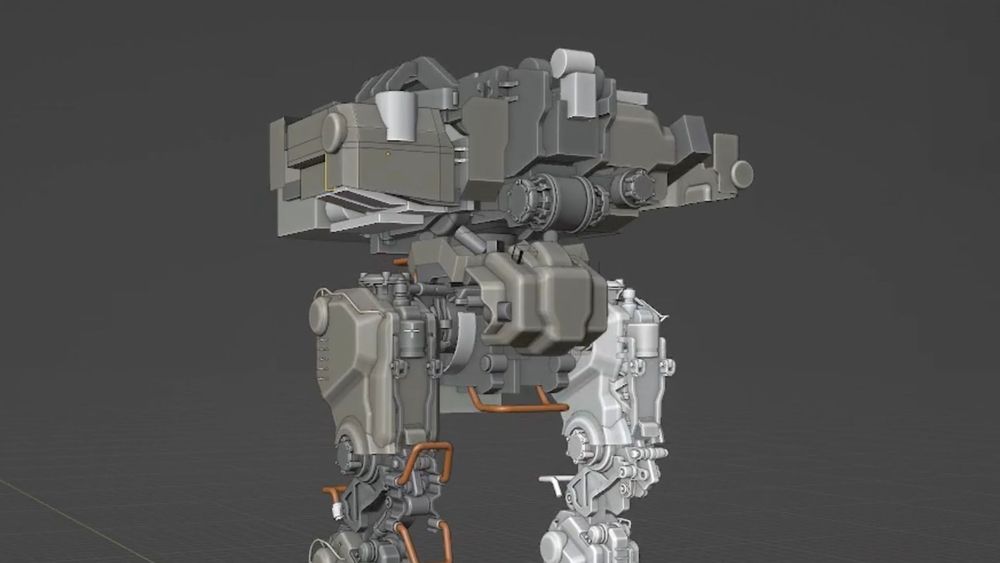
Armed with a set of detailed 2D plans, you’ll jump into 3D to begin modeling your mech. During this stage you'll also add simple cables, internal pieces and other functionality.
- 4h 19mTotal Lesson Duration
- 29 VideosVideo Lectures in this Lesson
- Project FilesDownloadable Project Files
Introduction
Gavin's Blender Setup
Blockout
Refinement First Pass
Sketching a New Benchmark
Refinement Second Pass
Internal Detail Asset Kit
Finishing the Second Refinement Pass
Review
Lesson 4
Materials and Rendering
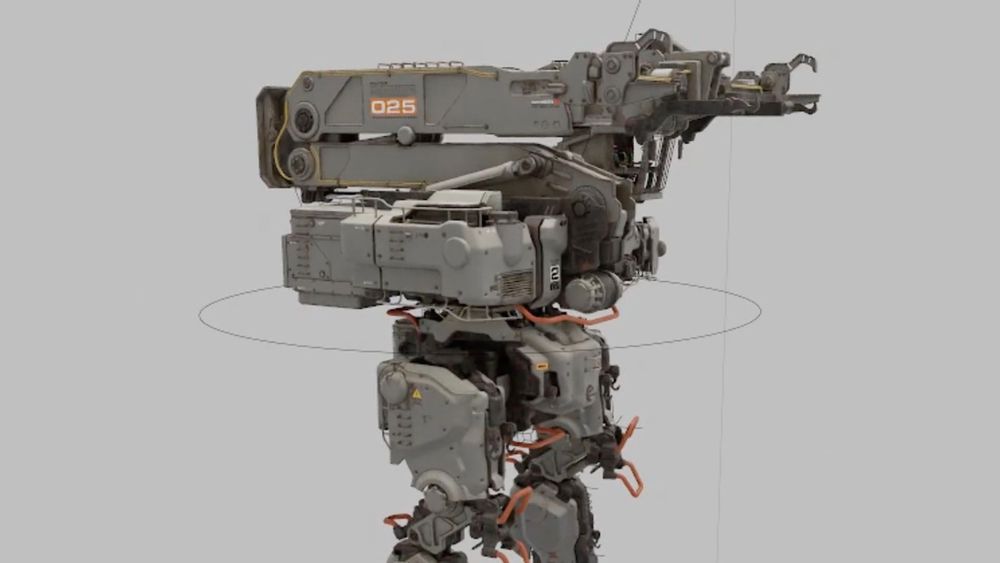
In this lesson you’ll set up materials and decals, then light and render out your mech to prepare for the final paintover.
- 2h 34mTotal Lesson Duration
- 25 VideosVideo Lectures in this Lesson
- Project FilesDownloadable Project Files
Introduction
Pistons
Kitbash Library
Materials
Decals
Lighting and Cameras
Rendering
Lesson 5
this lessonPresentation
In this lesson you’ll do your final paintovers, arranging your images into attractive presentations which show off all your mech’s functionality.
- 2h 20mTotal Lesson Duration
- 16 VideosVideo Lectures in this Lesson
- Project FilesDownloadable Project Files
Introduction
Paintover Basics
Hero Mech Views
Orthographic Views
Presentation
0 Comments
There are no comments
New comments from the community will be visible here.