

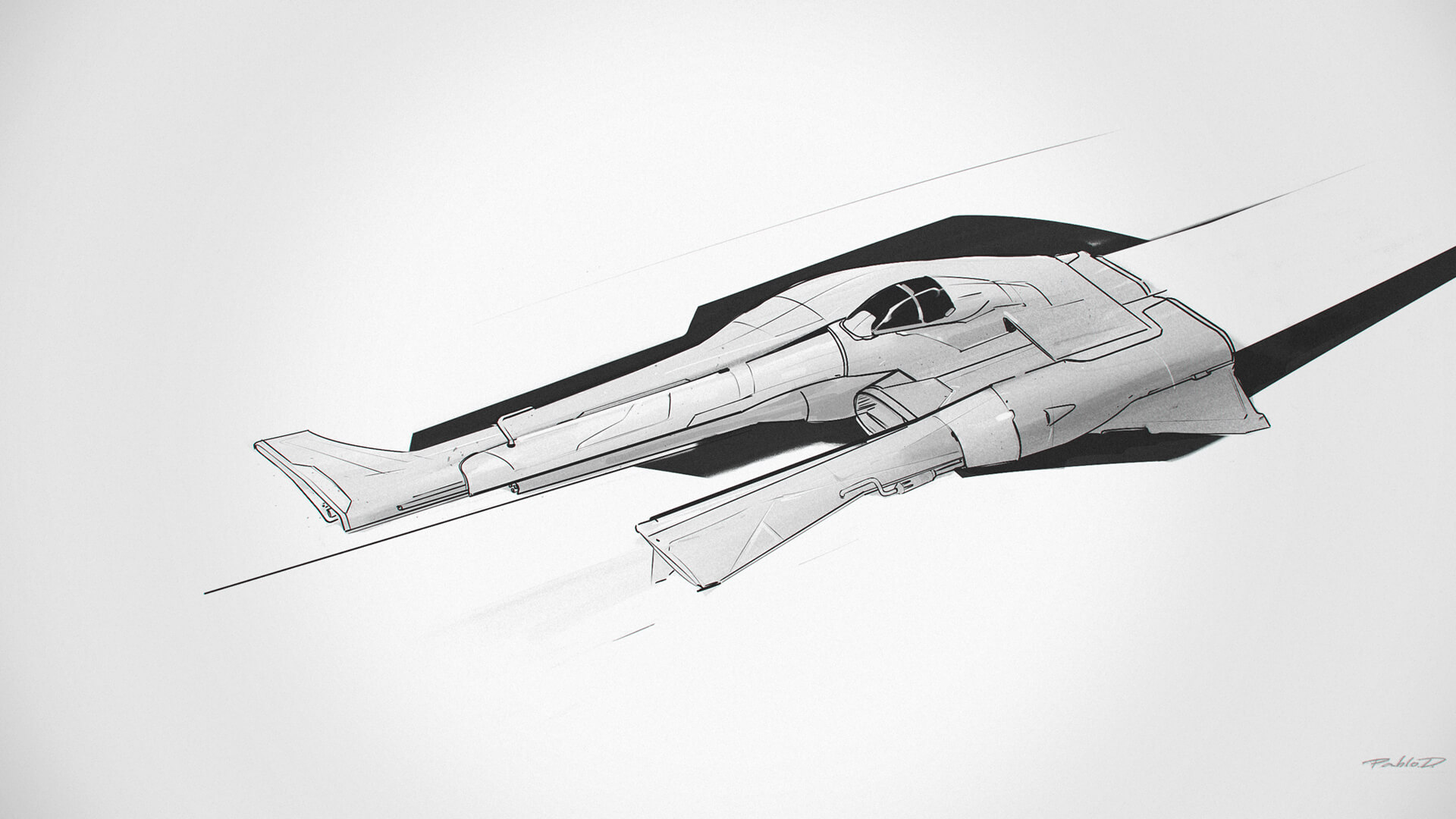
Vehicle Concept Art background
  • Octane
  • ZBrush
  • Adobe Photoshop
Log In to Add to Wishlist

Vehicle Concept Art

Pablo Dominguez

Boost your concept art workflow with Pablo Dominguez as you generate simple 3D assets, build dynamic compositions, and paint over them to create detailed, cinematic artwork for your projects or portfolio.

Intermediate16h 39m114 Videos

$74

Lifetime Access

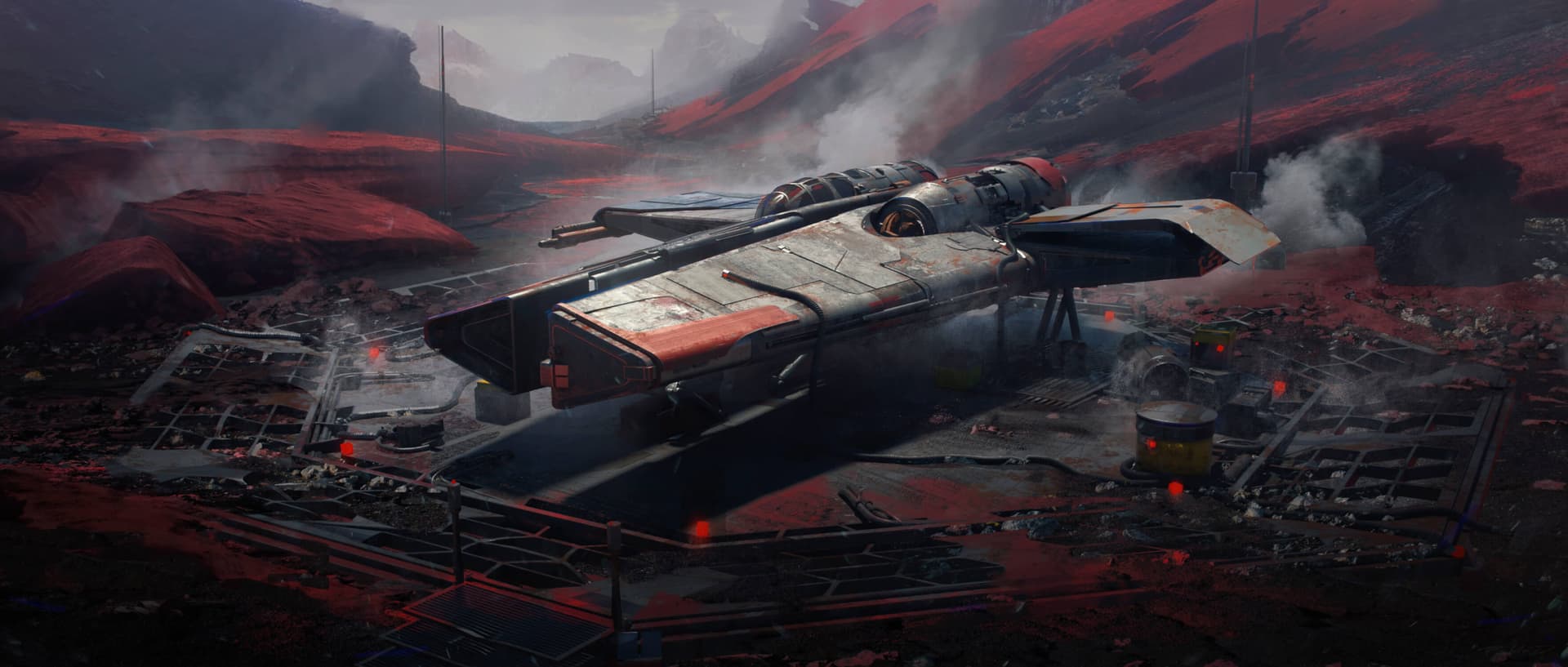
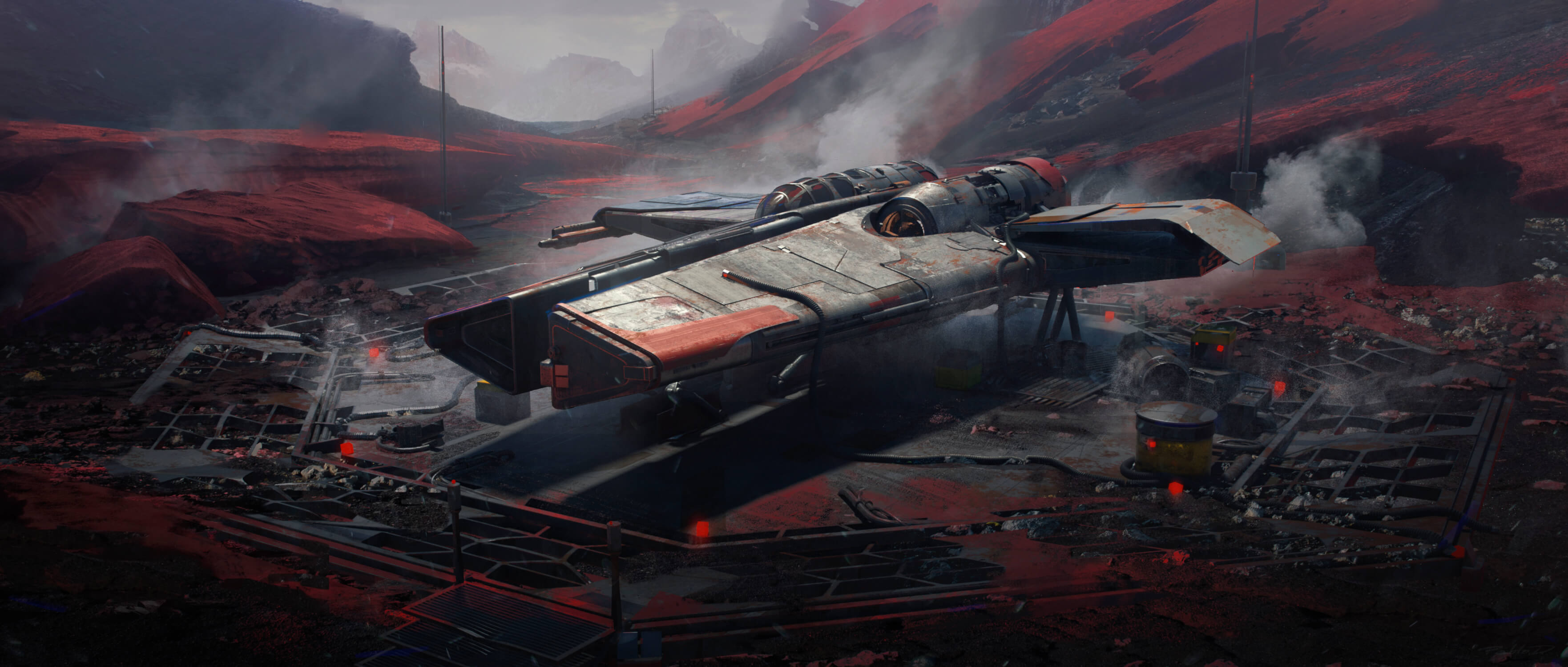
Artwork by instructor Pablo Dominguez

Prepare for takeoff.

Buckle your seatbelts, secure your belongings, and prepare for takeoff. Elevate your concept art workflows in this brand new course from Pablo Dominguez by learning to generate simple assets in 3D, arranging them to create dynamic compositions, and using them as a base to create beautiful, detailed concept art for your project or portfolio.

Learn More

Our students are badasses.

After signing up for our courses, many of our students have broken into the industry, leveled up their skills, and got hired for their dream jobs. With over 10,000 students from around the world, you'll be in good company.

Explore student work

Artwork by student Dudin Olah

Start learning for free.

Not sure which course is for you? As a member of Learn Squared, you'll get free access to the first lesson of every course to try before you're ready to buy. Sign up now to get instant access and start learning today.

Start your journey

What you'll learn

A guided path through every stage of the course, broken down into focused lessons you can work through at your own pace.

  • Lesson thumbnail

    Lesson 2

    Modeling Fundamentals

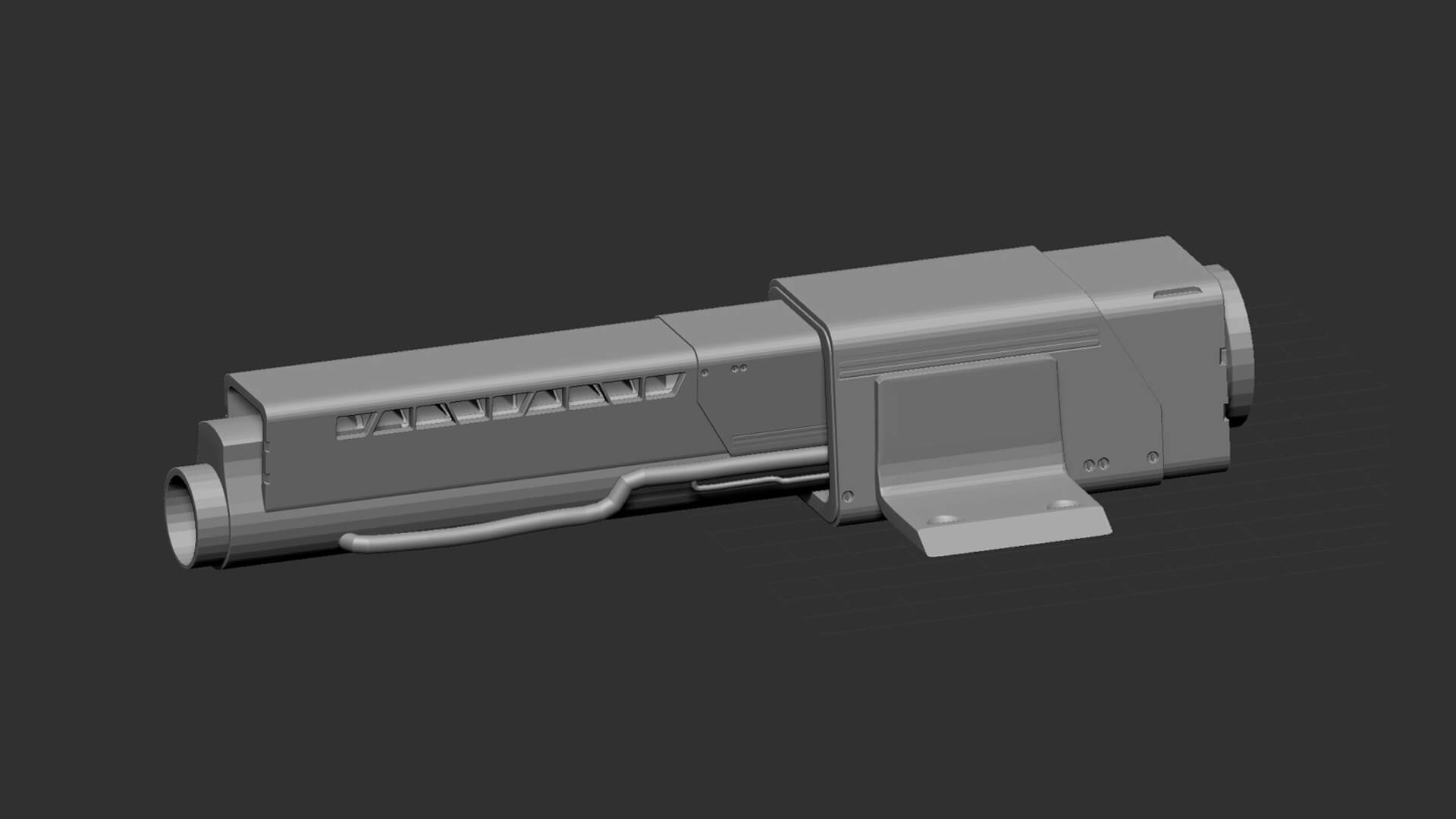
    This lesson will be all about getting comfortable in your 3D software. You'll go over UI, tools and useful concepts before building your own kit of small details which can be added to your vehicle design in the next lesson. 

    Note: Pablo focuses on ZBrush in this course, but the overarching concepts he covers can be applied to any 3D software. Pay attention to how each idea might apply to your own technique, and adapt it to work for your personal style. After all, great artists aren't defined by their tools! 

    • 2h 57m
    • 26 Videos
    • Project Files
  • Lesson thumbnail

    Lesson 3

    Design in 3D

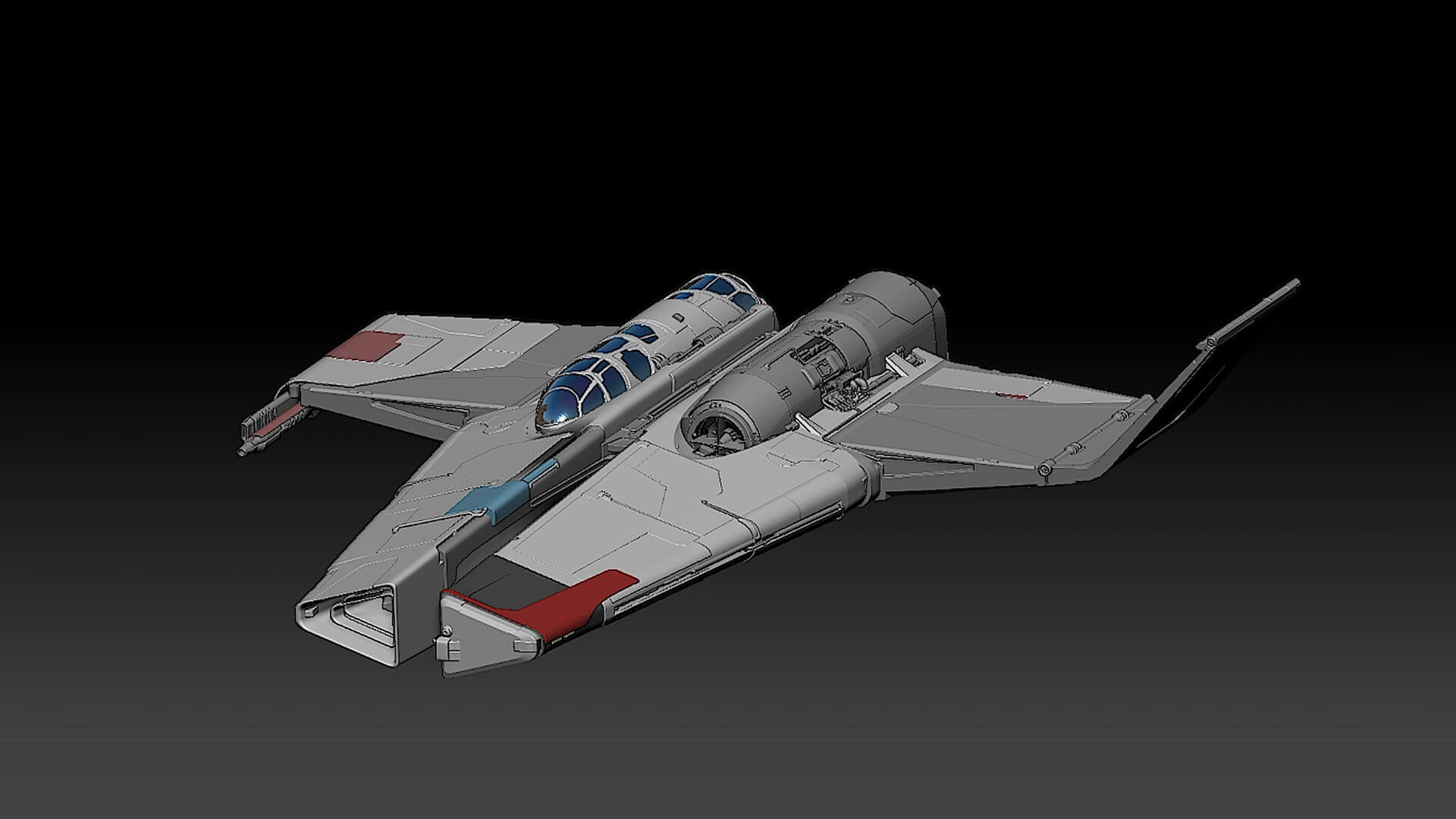
    Now that you're familiar with your 3D software, you'll begin building your vehicle. First you'll block out its shapes using very simple geometry, then you'll fill those shapes in with more and more detail. Now is the time to utilize those InsertMeshes you created in the previous lesson, so keep them in mind when adding details- they can greatly speed up your workflow. Finally you will create a turntable in your 3D software, so you can show off your model from every angle. 

    • 4h 44m
    • 27 Videos
    • Project Files
  • Lesson thumbnail

    Lesson 4

    Rendering

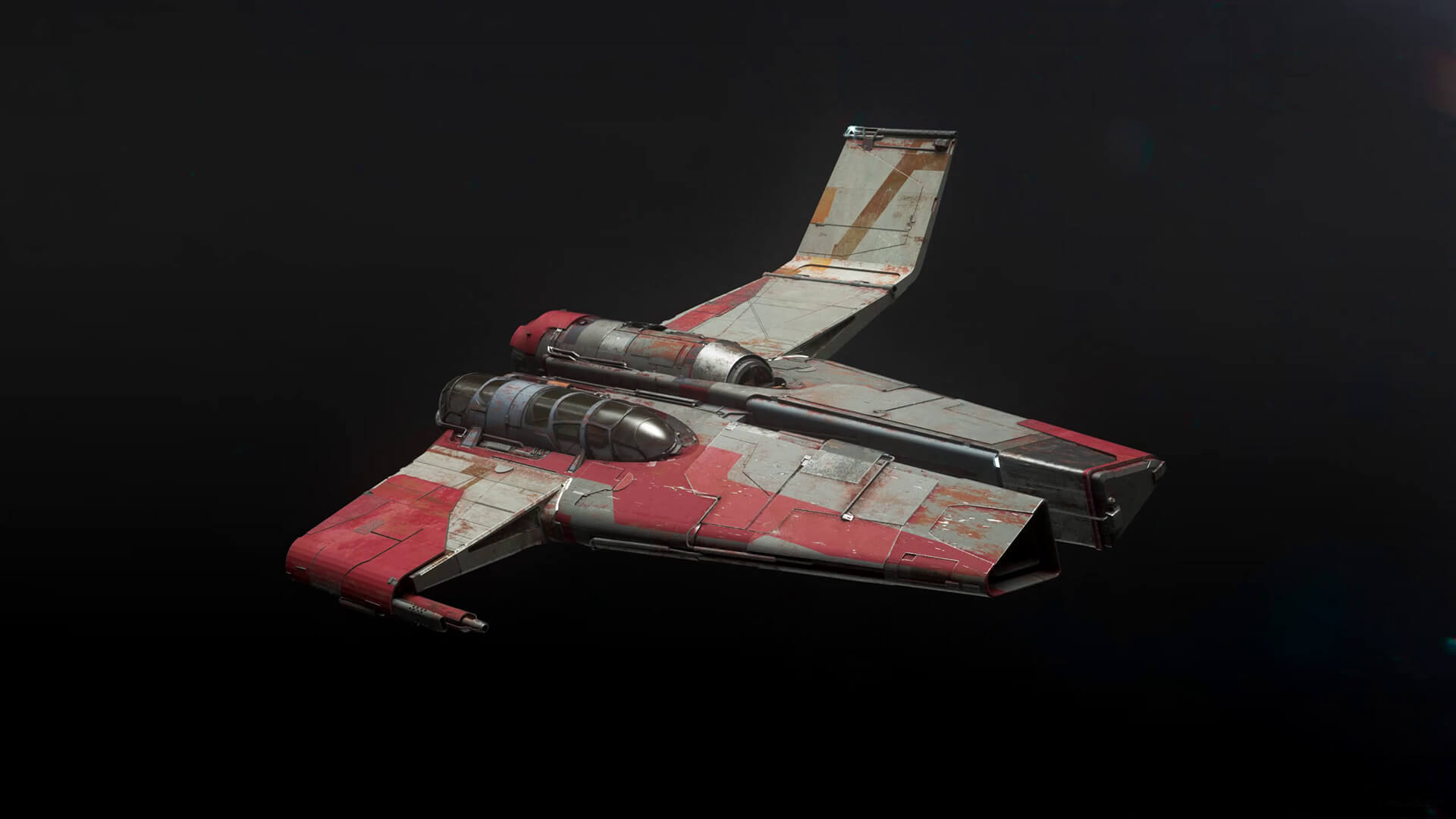
    This lesson will cover a few very important steps in making your vehicle feel realistic. First, Pablo will take you through Octane and its various tools. You'll then learn how to create any materials you might need for your design, applying various effects and trying a few different looks. After this, you'll light your vehicle and export it as a new turntable.

    • 3h 15m
    • 25 Videos
    • Project Files
  • Lesson thumbnail

    Lesson 5

    Paintover

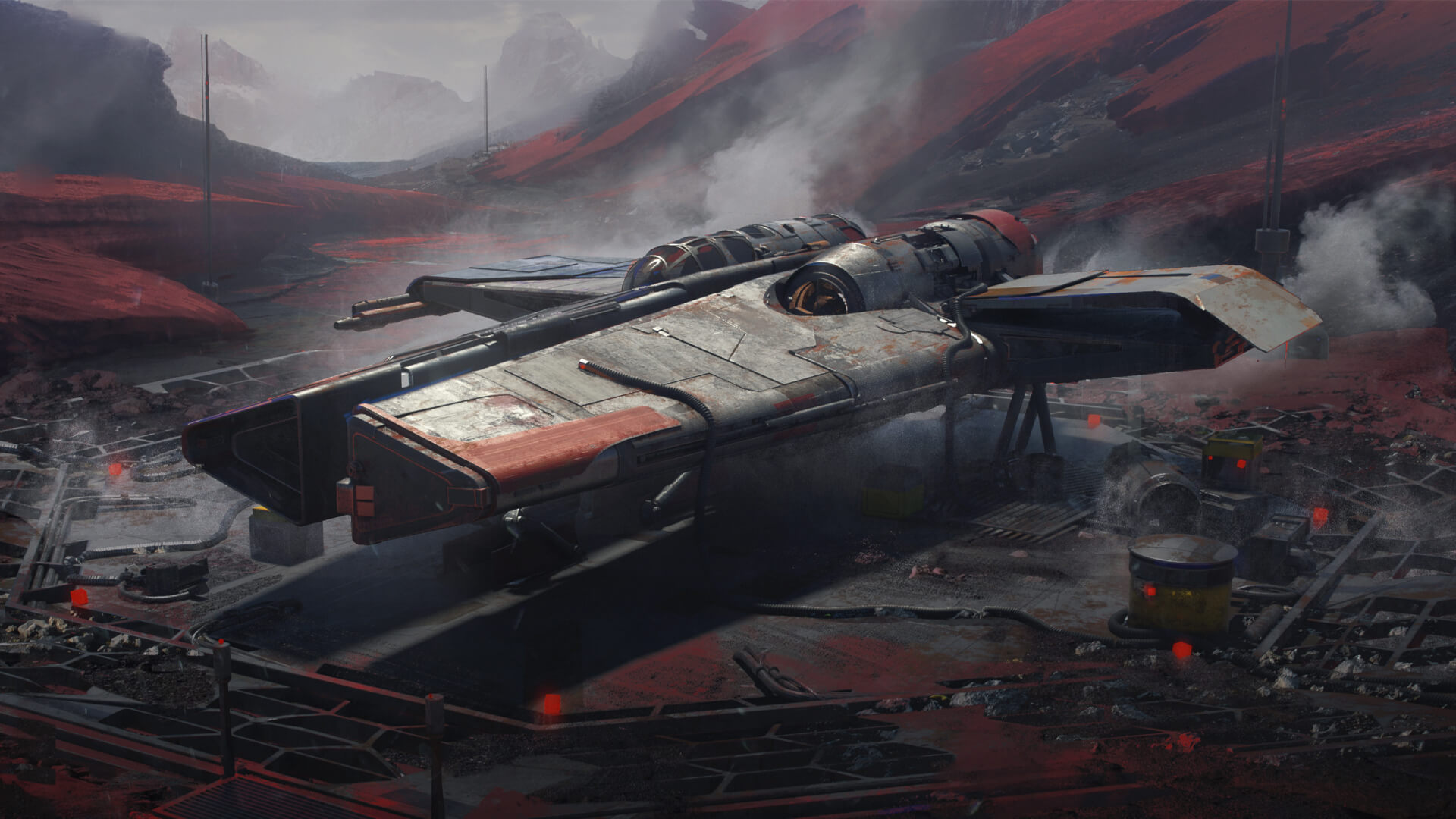
    This lesson is where all your work comes together- you will take your vehicle model and integrate it into a set of final paintings. This will involve first sketching out designs for your keyframes, then using a mix of 3D modeling, painting and photobashing to bring those frames to life. 

    • 4h 43m
    • 23 Videos
    • Project Files

Meet your instructor

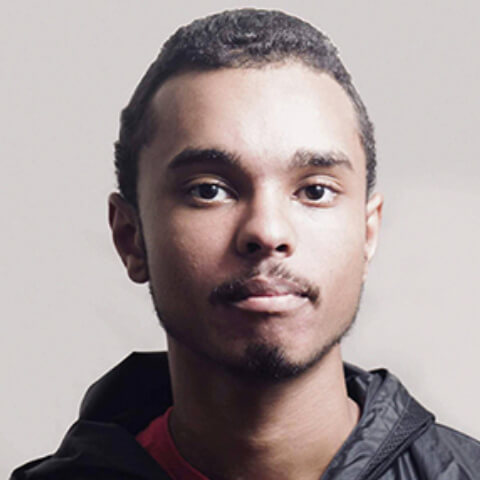
Pablo Dominguez

Pablo Dominguez is a visionary concept artist known for his exceptional talent in creating immersive environments, detailed characters, and awe-inspiring keyframes. His expertise in ZBrush and Photoshop has contributed to iconic projects like 'The Lord of the Rings: The Rings of Power' and 'Star Wars: Obi Wan Kenobi'. Renowned for his innovative techniques, Pablo has created multiple courses on Learn Squared to share his knowledge with students from around the world.

Sign up any time

No rush. Not like there's any competition out there.

  • Try it.

    Free

    • Instant access to portions of this course and dozens of others

    • No credit card required

    • No expiration

    • Limited access

  • Buy it.

    $74

    • Instant access to this Course
      Once you've signed up for this Course, you'll have unlimited access to it as long as you have an account!
    • 16 Hours of lectures
      This includes all of the premium training which is included as a part of this course.
    • 28 Hours of bonus content
      Bonus Content typically includes materials like unedited video recordings, past mentorships, and extra tips & tricks. To see a full list of content, check out the Lesson List below!
    • Download project files
      Download all of the materials created for this course, so you can poke around in the source files, or follow along with the instructor.
    • Exclusive community
      When you become a student, you get instant access to our exclusive Discord channel, where you can chat with thousands of other Learn Squared students.
    • Lifetime access
      As a member of this course, you will be able to access and view its content any time.
  • For teams.

    Get in touch for more information about discounts for teams, both big and small. Big savings either way.

tons of workflow crap and programs i would have never thought of trying.... PEEP DATTT!!!1

beeple

Designer

My career as a concept artist started after taking these courses. Much of what I learned I applied to my portfolio and in a couple months ... I got my first job.

Elias Ravanetti

Concept Artist & Illustrator

Learn Squared gives me the freedom and flexibility to learn from the best in the industry at my own pace.

David Tilton

Freelance Concept Artist

Our students have awesome jobs.

Join a devoted community of over 20,000 students from around the world.

Course Lesson Plan

Here's a full list of all the videos in this course.

  • 16 hours 39 minutes
    Total Bundle Duration
  • 114 Videos
    Video Lectures in Bundle
  • 7.73 GB of Files
    Downloadable Project Files

Tools Used
?
The tools listed below are used throughout the lectures of this course. Using alternatives is definitely possible depending on your proficiency, but we can only recommend using these listed softwares.

  • Octane
  • ZBrush
  • Adobe Photoshop

Homework can be cool.

Check out some of the amazing work Vehicle Concept Art students have created by doing their homework.

There's no homework yet

Any commited homework will be visible here